Meeting 1
Meeting 1
Download one of the images at right to use as a “virtual background” in your Zoom.
Join one of the breakout rooms - if you have friends in the class, feel free to message each other to join the same breakout room. Keep rooms to 4 people max.
I’ll come around to visit various groups and see how you’re doing.
If you need/want to talk to me sooner, there should be an “Ask for help” button in Zoom to call me to your breakout room.
I’ll also stick around at the end of the meeting for further discussion if you want.
Virtual Background
Which of these films/TV shows best represents your imagination of where AI will bring us in the future?
(Right click and save the image. On Zoom, you can find an arrow next to the video icon. When you click that arrow, it opens the video options menu, and you can click “Video and Effects Settings”, and then “virtual backgrounds”.)

The Matrix: AI destroys humanity

Wall-E: AI makes human life less meaningful
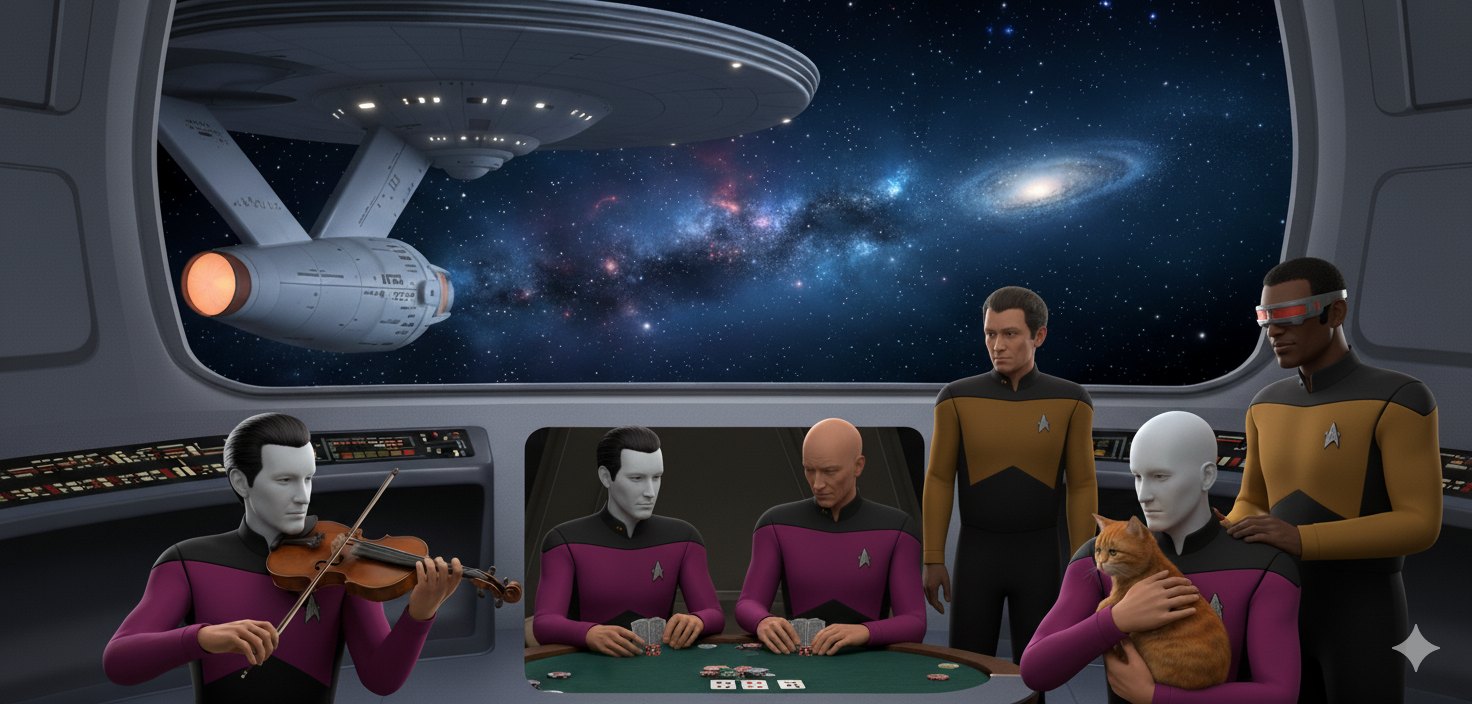
Star Trek: AI and humans are helpful friends

Transcendence: AI helps humans and nature live forever
First Activity: Introductions, and discussing Module 1
Open up the page on Module 1 (Canvas link removed) for the class to remind yourself about the videos you just watched.
Tell each other a little bit about yourself. Make sure to mention who you are, what prompted you to take this class, the most interesting idea you encountered in any of this module’s videos, and why you chose the virtual background that you did. (If you want to choose a different one after hearing other people talk, you can do that!) If you’ve already got your fiction assigned in the assignment spreadsheet (link removed), you can discuss those too. (And if you forgot to submit preferences, use the form! You must do this today in order to do the assignment due Thursday.)
Everyone should feel free to jump in and discuss further when you’re talking about ideas from the videos, or why you chose the virtual backgrounds you did.
Once everyone has introduced each other, and finished discussing whatever interesting topics came up in this week’s videos, move on to the second activity, and make sure everyone in your group is able to create a “throwaway” e-mail address.
Second Activity: Create “throwaway” e-mail address
Throughout this class, you will be asked to use various AI tools. Most of them require you to create an account, which requires attaching an e-mail address. I strongly recommend that you do not use your normal e-mail address.
Instead, you should generate a “throwaway” e-mail address that you use only for signing up to random things. Why?
- See how much spam this e-mail address gets by the end of the term.
- If one of the services is a scam, it can’t hack into your real account.
- You may have a “primary” account with one or more of these services, and with the “throwaway”, you can see the difference between the pay and free tier, or based on accounts with different history
Any free e-mail provider is fine to use. Here are two reasonable options:
- GMail is convenient, because many services have a one or two click setup to create an account using a Google account, but it takes a bit more to use another e-mail address. (The one downside is that Google can still link your data from this “throwaway” account to your main account - but at least no one other than Google can.)
- If you are currently signed in to GMail, then in the upper-right corner, there is either an icon with your initials or profile pic or the UCI anteater - click there, click “Add another account”, click “create account”, “for my personal use”, enter at least three letters for a “first name” (preferably not your real one), and then pick a username (see below)
- Proton mail is well-known as a secure site that obeys Swiss privacy laws (some of the strongest in the world) - using this will keep your data completely secure, but will make signing into sites take a click or two extra.
Make sure the username you pick isn’t identifiable as you - you can use this username generator for ideas if, like me, you aren’t creative at coming up with usernames. (You can tell each other your usernames if you want, or keep them secret.)
One thing to remember later in the quarter: some services have weekly usage limit, but for each throwaway e-mail address you can create a new account and get new usage up to the limit.
Make sure everyone in your group has created a “throwaway” e-mail address (and has saved the login information somewhere!), and then move on to discussing the survey about AI use.
Third Activity: Survey about AI use
Look at the results of the survey of AI use and talk to each other about it.
Are there services you are surprised so many people are using? Or services you are surprised people aren’t using?
Are there services that some of you know about that others don’t? If there are some that none of you are familiar with, what can you learn about them?
I’ve included numbers both from my Spring class and this Summer class - many of these are very similar, but a few are significantly different. Do you think that might be because of events over the past three months, or perhaps because a different kind of people are signed up during Spring and Summer?
Once you’ve finished talking with each other about this survey, continue on to the fourth activity.
Fourth activity: Discuss this module’s ideas
Open up the Canvas page for module 1 (link removed) to remind yourselves of the videos for this module.
Look at the list of “Further watching/reading” links below the actual assignments. Are there some that look interesting to dig into further? Are there any you already looked at that some of the other people in your group might want to check out?
If you finish all this before the end of class, come back to the main room (under “Leave Meeting” select “Leave Breakout Room”) to say hi to me if I haven’t stopped by your group already. If it’s less than halfway through the time, then jump into another random room and do some introductions as well.