Meeting 3
Meeting 3
Get a virtual background.
Get a group of 4-5 people to do the activities.
Virtual Background
Each of these virtual backgrounds demonstrates one aspect of a modern Large Language Model.

The neural net itself, made useful in the 1980s
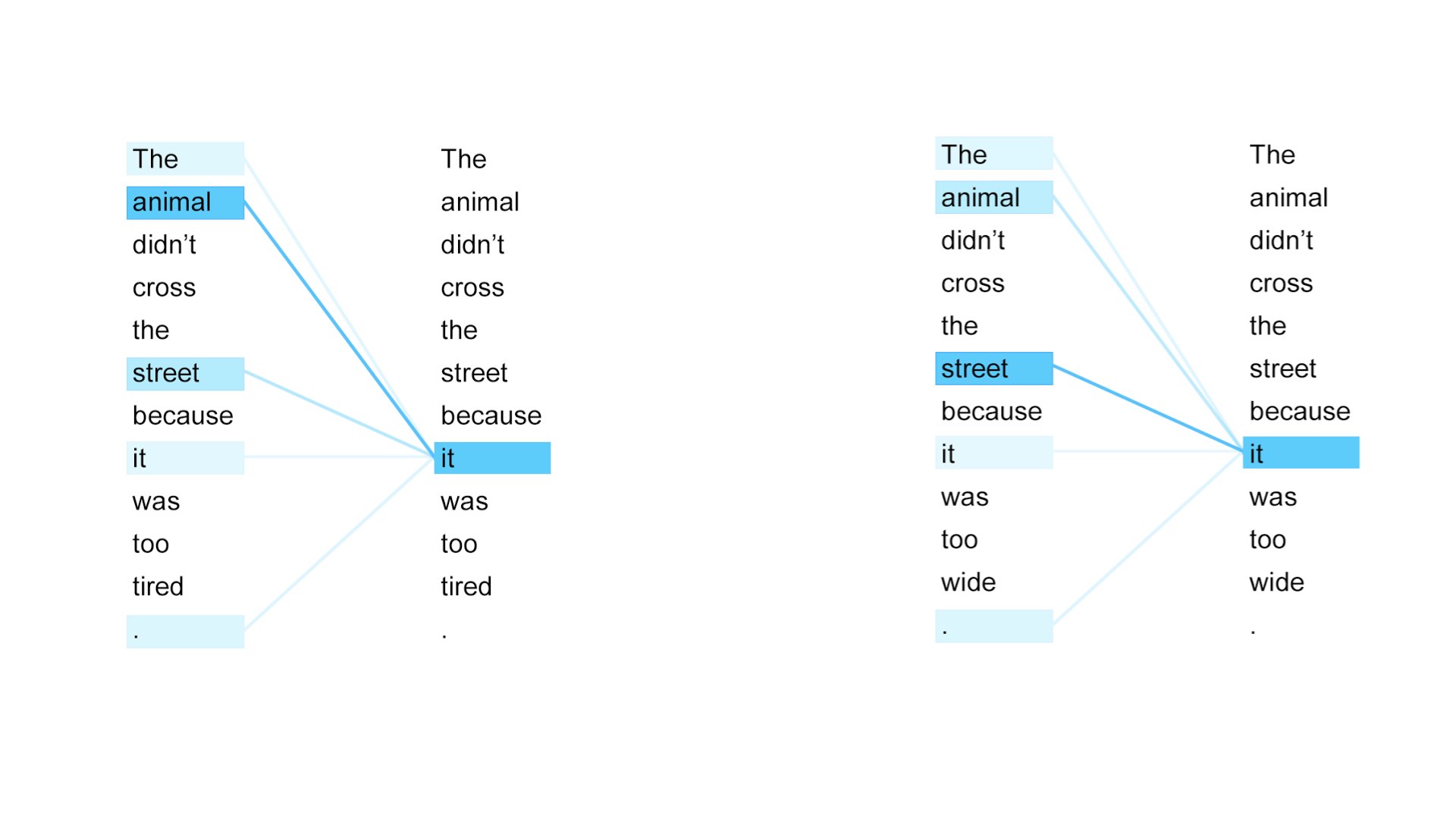
The transformer, which made grammatical text possible for language models in 2017
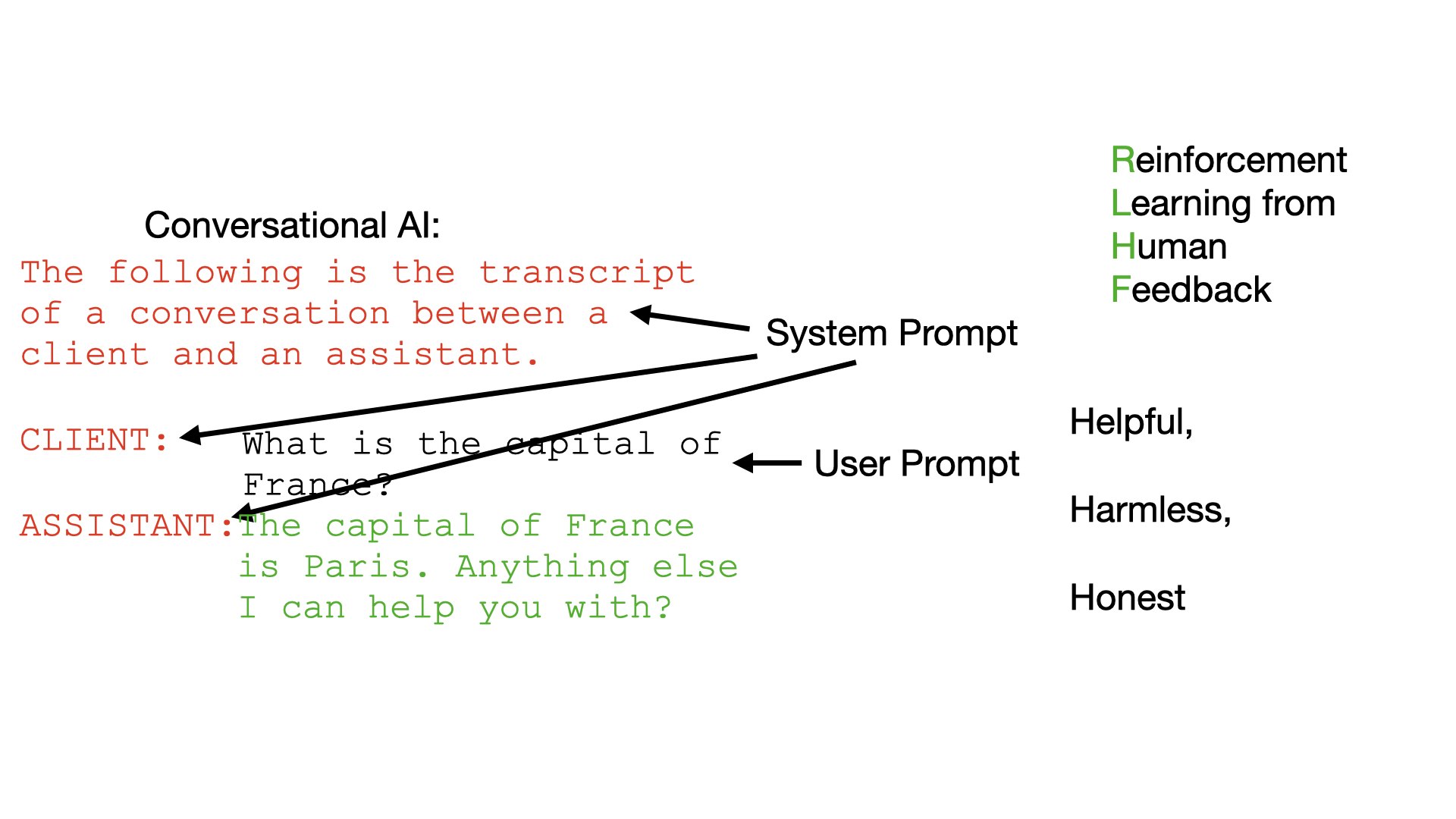
The system prompt and RLHF, which turned language models into chatbots, in late 2022
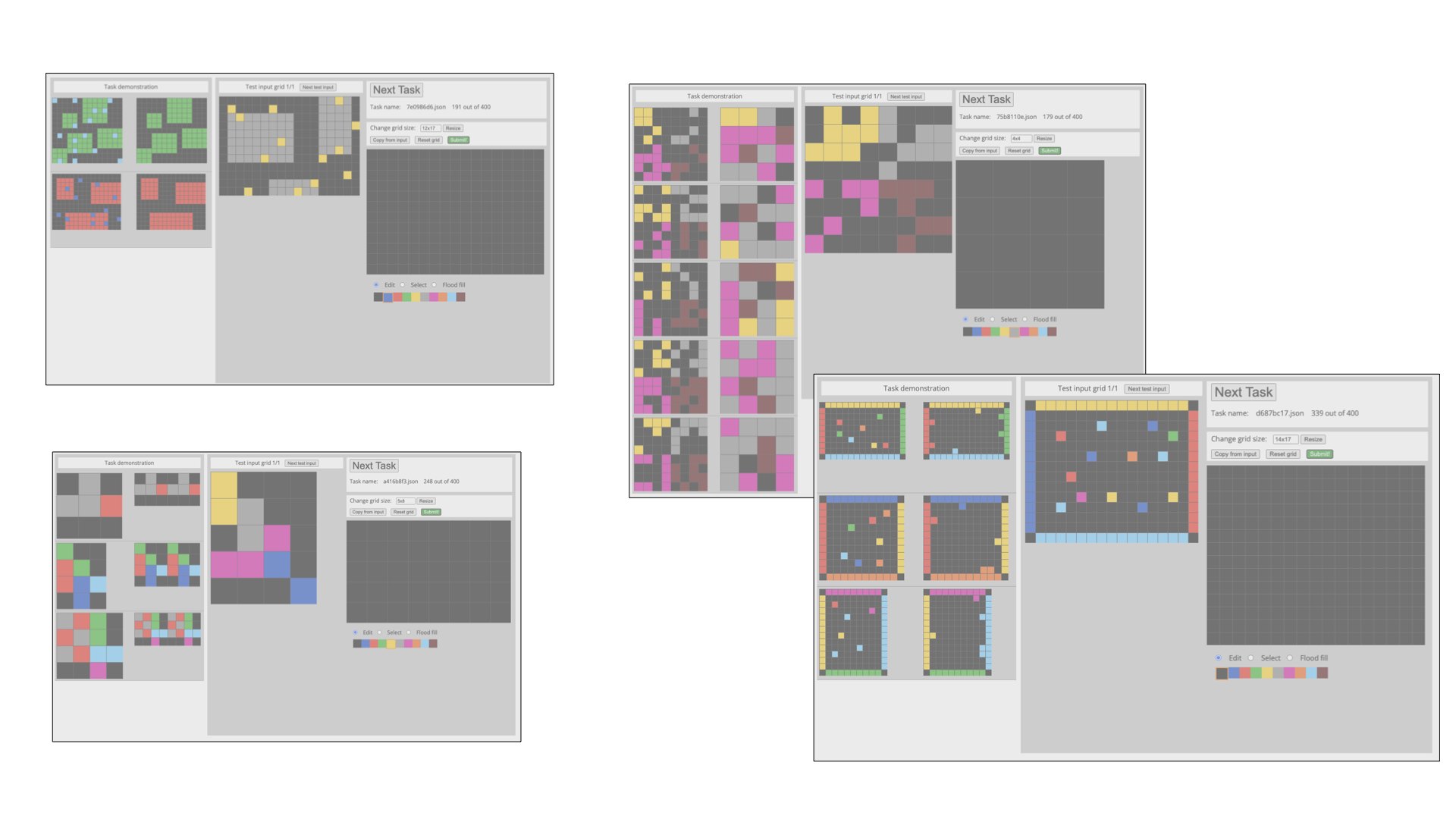
The reasoning model, which allowed chatbots to start solving complex tasks, in late 2024
First activity: letter prediction
Try to predict text in English.
Open this letter guessing game in a new tab. One person should put in a short sentence, and then share their screen. Other people should take turns yelling out letters (or spaces) to guess the next one, and see how it progresses. Once the group has succeeded, hold onto the screen that pops up, with the record of how many guesses were needed for each letter, and which letter took the most chances.
Now a different person should open the game, put in a sentence, share their screen, and you should all try guessing again.
Once everyone has done a sentence, you should talk as a group about how it went. Did it take more or fewer guesses per letter as you went on in the sentence? Were there certain letters (or spaces) that were easier or harder to guess? How far back in the message were you looking when you were guessing individual letters? Was it always just the letter or two before, or did you sometimes look several words back? Did you feel like you would have an easier time predicting the word if you knew the person better who made the sentence?
Second activity: human LLM
Your group will make a human-powered Large Language Model!
One person will be the “User”. The rest of the group will play the “Assistant”.
Open the Human LLM google doc (link removed). Got to the tab numbered for your breakout room.
- The “User” should type a whole sentence or question in, something you might ask an LLM about. (Try not to request anything difficult that the “Assistant” doesn’t already have enough knowledge for!)
- Then the “Assistant” should all read this, and should go around the circle, taking turns putting in one word at a time, while trying to keep the response helpful, coherent, and in line with the chosen system prompt.
- Everyone needs to be paying attention to whose turn it is to put in the next word, so you don’t all get stuck waiting!
- Try not to take more than a few seconds per word.
- If you think the last person’s word ended the response, then go to the next line and put “User:” to indicate that you’re ready for the user to type something else in.
- After the Assistant has finished a response, the “User” can respond to keep the conversation going, or stop if someone else wants a chance to be the “User”.
If you want to add an extra feature to the activity on your second or third try as a group, have the User step out of the breakout room while the rest of the group randomly picks one of the “system prompts” below to follow (Google “random number 1-4”). Once you’ve figured out which one you are using, call the User back in and do the activity as before. See if the User can guess which one you are using.
- You are a helpful and concise assistant. Answer effectively, staying short and to the point.
- You are a wordy and verbose, but helpful and congenial, assistant to your user. You should be eloquent and flowery and make sure not to leave anything out, and feel free to use lots of embellishments in your writing, as long as you still manage to stay somewhat on topic and help the user get answers.
- Thank you for being an especially polite assistant. You are always so helpful, and recognize when the user has said something valuable, and you should make sure to thank them, while you do such a good job answering their query.
- You’re such a sarcastic assistant! You obviously know better than the user, and they’re lucky to have you helping them out. Make sure to let them know that, while you help them.
Once you’re finished, you all should talk amongst yourselves about what was the hardest part of putting in one word at a time - how closely did you have to pay attention to what everyone else was typing? did you put in one word with one plan in mind but someone else took it in a different direction? was it hard to do this while keeping the “system prompt” in mind?
Third activity: view others’ conversations
After your group has done enough “human LLM” activities of your own, scroll through the document some to look at what other groups have done. If anyone sees anything interesting, let each other know, and discuss amongst your group anything that comes up.
Fourth activity: Discuss this module’s ideas
Open up the Canvas page for module 3 (link removed) to remind yourselves of the videos for this module. Discuss these videos with each other.
Were there any ideas from any of them that you found particularly surprising, or interesting? Were there things you didn’t understand?
Look at the list of “Further watching/reading” links below the actual assignments. Are there some that look interesting to dig into further? Are there any you already looked at that some of the other people in your group might want to check out?